3 Great Extensions for VS Code
Last week we explored five helpful extensions for Visual Studio. In this post, we will apply the same approach to Visual Studio Code (VS Code). VS Code relies heavily on extensions to provide even the most basic language-specific support within the editor. While we are used to install language specific extensions, we should also look a bit further and try some more general extensions.
The images in this post are from the documentation of the specific extensions.
Markdown Table
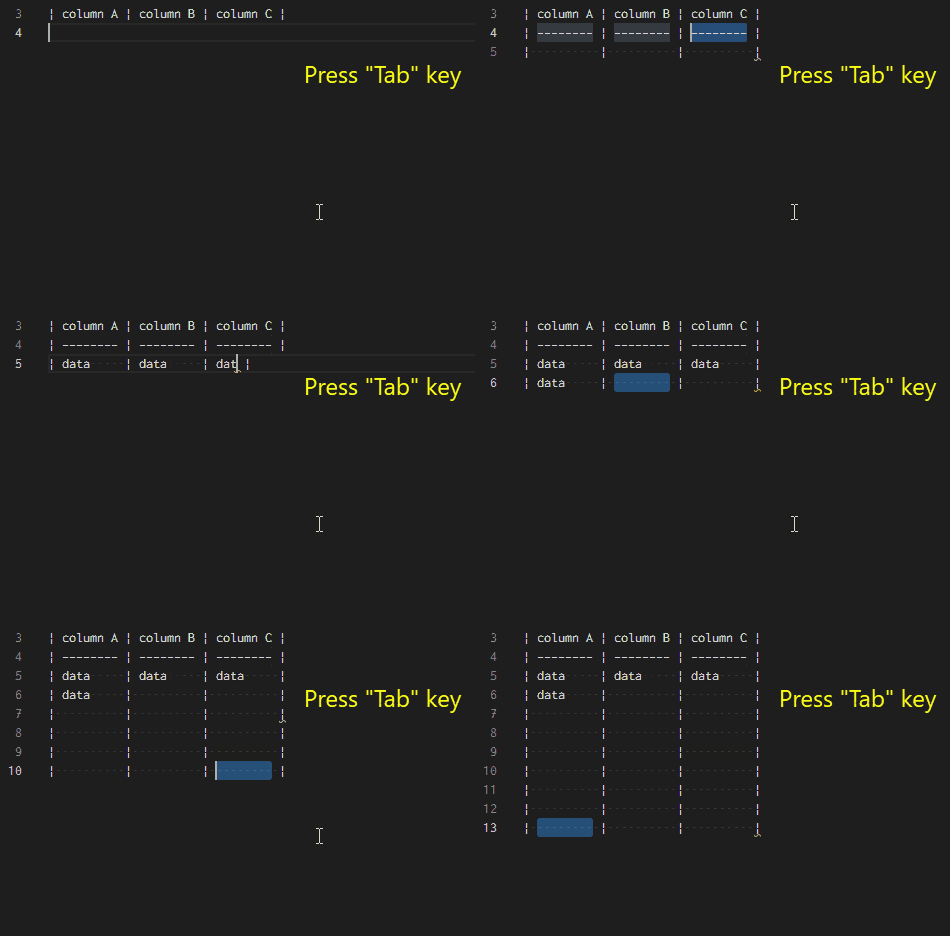
Markdown Table is a great help to format and navigate in Markdown tables. We can continue our work as usual and use the tab key to navigate between cells. Additionally, we can adjust the column width if necessary.
Code Spell Checker
Code Spell Checker is a spellchecker for code files. It spots our spelling mistakes and helps us to fix them:

indent-rainbow
Indent-rainbow gives us a coloured line for every indentation level. That way we can easily spot what levels belong together – that is especially helpful when the indentation level matters:

Conclusion
In VS Code we are so used to install language specific extensions that we may miss the more general applicable helpers. The three extensions I covered in this post help me a great deal when writing code. I hope they can help you as well.